 Hyperlambda
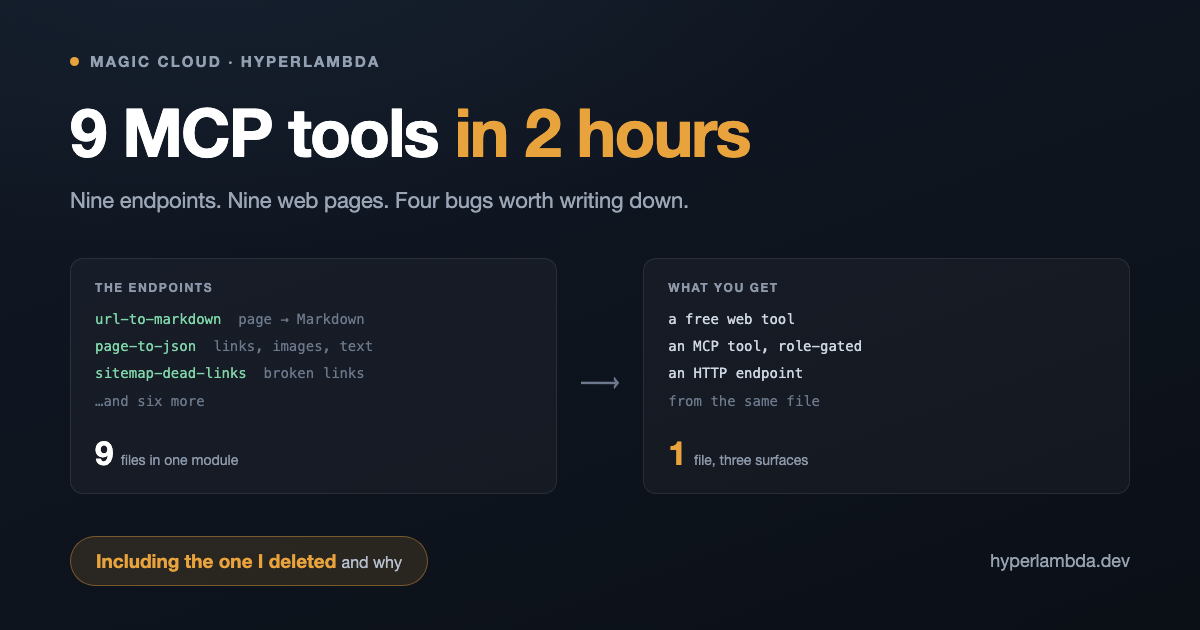
Every tool in this article is live and free at hyperlambda.dev/tools — no signup on any of it.
This morning I built nine tools. Not nine mockups, nine demos, or nine things that work on my machine: nine endpoints that are live right now, each one wearing three hats at once — a free web page anyone can use, an HTTP endpoint, and an MCP tool my own agents can call.
That last part is the bit worth explaining, because it is the reason the number is nine and not two.
One file, three surfaces
On a Magic cloudlet you do not build an MCP server. Every endpoint is an MCP tool, filtered per role, the moment it exists. Write a file that turns a URL into Markdown and you have simultaneously produced a thing a browser can call, a thing curl can call, and a thing Claude can call — with the same authorisation rules governing all three, because there is only one implementation.
So the work of "adding a tool" collapses to writing the one file that does the job. Here is an entire tool, start to finish:
.arguments
   url:string
validators.mandatory:x:@.arguments/*/url
validators.url:x:@.arguments/*/url
http.get:x:@.arguments/*/url
html2markdown:x:-/*/content
   url:x:@.arguments/*/url
openai.tokenize:x:@http.get/*/content
openai.tokenize:x:@html2markdown
yield
   markdown:x:@html2markdown
   html_tokens:x:@openai.tokenize/@openai.tokenize
   markdown_tokens:x:@openai.tokenize
That is URL to Markdown. It fetches a page, converts it, and counts the tokens on both sides so you can see what the HTML was costing you. On my own press page: 5,537 tokens as HTML, 1,893 as Markdown. Two thirds of the context back, on every page an agent reads.
I did not write that file either. I described it in a sentence and the Hyperlambda Generator wrote it, verified every function in it against the live registry, and saved it. Same for most of the other eight.
The nine
| Tool | What it does |
|---|---|
| URL to Markdown | A page as clean Markdown, with the token count before and after |
| Page to JSON | Title, H1, description, text, every link with its anchor text, every image with its alt |
| Website to JSON | The same, across the first 50 pages of a sitemap |
| URL to YAML | A page's heading, description and every Open Graph tag, structured |
| llms.txt generator | Writes a site's llms.txt from what its pages already publish |
| AI crawler check | Which AI crawlers your robots.txt allows, citing the rule that decides each one |
| Link preview checker | The card Slack, X, LinkedIn and Facebook will build from your link |
| Website image gallery | Every image across a site, flagged where alt text is missing |
| Dead link checker | Every link on your first 10 sitemap pages, only the failures reported |
Nine files in one module. None of them long — the biggest is thirty-five lines.
What actually took the two hours
Not the tools. The tools took minutes each. Here is where the time went, which I think is the more useful half of this article.
The one I deleted
The tenth tool was URL to PDF. It worked on example.com in under a second, so I shipped it. Then it took 125 seconds on my own homepage and returned a Cloudflare timeout.
The cause was not my code. The PDF library fetches every external resource a page references — stylesheets, images, fonts — serially, on a fresh connection each time, with no cache and no timeout. My stylesheet declares 60 font URLs, because that is what unicode-range subsetting produces. Add the page's own references and one conversion was queuing roughly seventy HTTP requests, each taking between half a second and three and a half seconds against my own server.
I added a caching resource retriever to the plugin, which will help the second conversion of any page. It does nothing for the first. So I deleted the tool. A tool that takes two minutes is not a tool, and the honest move was to remove it rather than ship something that made the platform look slow.
Four bugs, all mine
I broke all seven tools with an analytics call. I added a Plausible goal using window.plausible && plausible(...), copying the pattern already in my own events file. On the current Plausible script window.plausible is an object, not a function — so the truthiness check passed, the call threw, and every tool died at that line before it ever reached the fetch. Buttons stuck on "Converting…", no error, nothing in the UI to suggest why. Analytics now sits behind a typeof check and a try/catch, because tracking should never be in the critical path.
A spinner that would not hide. The waiter card is display: flex, which silently overrides the hidden attribute's display: none. Reading element.hidden said true while the thing sat visibly on screen. Now every one of them carries an explicit [hidden] { display: none } guard, and I verify by computed style rather than by attribute.
A crawler that only crawled three pages. The image extractor capped its loop by counting results rather than pages. One page had 86 images on it, the count blew past 50, and every subsequent page was skipped. It looked fine — 96 records came back — until I checked how many distinct pages those records came from.
A nested loop that lost its place. Inside a loop over sitemap URLs, an inner loop over image elements reassigns the data pointer, so every record came back with a null page. The fix is to copy the outer value into a variable before descending. Obvious in hindsight; invisible in the output until you look at the right column.
The tool that surprised me
The AI crawler check started as a five-minute idea and became the one I would keep if I had to drop the rest. It reads your robots.txt and tells you which of ten named AI crawlers you allow — GPTBot, ClaudeBot, PerplexityBot, Google-Extended and the rest — and cites the exact line that decides each verdict.
The rules are fiddlier than they look: an exact user-agent group beats the wildcard group outright, the longest matching path wins inside it, Allow beats Disallow on a tie, and an empty Disallow: means allow everything. I wrote twelve unit tests for those before writing any interface, then ran it against real files. It correctly reports that the New York Times blocks all ten, quoting Disallow: / from the specific group rather than the wildcard.
Most site owners have no idea what their answer is. That is why it is the interesting one.
What I would tell you to copy
Deterministic beats clever. Eight of the nine tools call no model at all. They fetch, parse and reshape. That makes them free to run, instant, and impossible to hallucinate with. The one that uses a model is the sandbox, and it is deliberately the exception.
Test the slot before you commit to the tool. Every disaster in this session was a library behaving differently than the one-line description implied. html2pdf looked like one function call. So did everything else that broke.
Verify in the thing, not in the source. Every bug above passed a reading of the code. They failed a browser.
The honest edges
Five of the nine need a sitemap.xml, and a site without one gets a clear error rather than a result. The checkers get refused by sites that turn away anything that is not a browser — GitHub answers 406 to my server and LinkedIn has its own 999 — so the dead link checker separates "broken" from "refused the checker", because reporting a live GitHub link as dead would be worse than useless. And the crawler check can only see what your robots.txt says; a firewall rule that turns crawlers away without mentioning it is invisible from outside, so a clean result means no block found, not a guarantee.
Everything is MIT licensed. Run the whole platform yourself in one command:
curl -fsSL https://hyperlambda.dev/docker-compose.yaml | docker compose -f - up
Nine tools, one module, one afternoon. The tools were the easy part.
Frequently asked questions
How can a web page and an MCP tool be the same thing?
On a Magic cloudlet every HTTP endpoint is exposed as an MCP tool automatically, filtered by the caller's role. The web page and the agent call the same file, through the same authorisation, so there is no second implementation to drift out of sync.
Did you write the Hyperlambda by hand?
No. Most of these were described in a sentence to the Hyperlambda Generator, which wrote the endpoint, verified every function in it against the live function registry, and saved it. The longest of the nine is thirty-five lines.
Why did you delete the PDF tool?
Because it took up to two minutes per page. The PDF library fetches every stylesheet, image and font a page references, serially and without caching, and one stylesheet on this site declares sixty font files. A tool that slow is not a tool, and shipping it would have made the platform look slow rather than the library.
What broke that you did not expect?
An analytics call. Adding a Plausible goal with the pattern window.plausible && plausible(...) throws on the current script, because window.plausible is an object rather than a function. It killed every tool's submit handler before the request was made.
Related reading
- All nine tools
- The Hyperlambda Generator — a sentence in, a verified backend tool out
- MCP Server — every cloudlet endpoint as an agent tool, role-gated
- The Natural Language API — the one tool here that does use a model, inside a whitelisted sandbox
- From Prompt to MCP Tool in 5 Seconds
- The Only Sandbox Your AI Agent Cannot Break Out Of
- For AI Agent Builders