 Hyperlambda
Step 1
Connect the database you have
Point a Magic cloudlet at the SQL Server, MySQL, or PostgreSQL database under your legacy system. The schema is read as-is — decades of accumulated structure included.
Your 25-year-old system is not the problem — the assumption that replacing it takes years and millions is. Magic Cloud wraps the databases you already run — SQL Server, MySQL, PostgreSQL — with generated APIs, modern auth, and new frontends, while AI agents do the generation under runtime-enforced permissions. The data stays where it is. The rewrite becomes a wrap.
Point a Magic cloudlet at the SQL Server, MySQL, or PostgreSQL database under your legacy system. The schema is read as-is — decades of accumulated structure included.
Secured CRUD endpoints per table, custom business logic described in plain language, OpenAPI specs, JWT auth with OIDC and roles — generated, not hand-built.
SPAs served from the same cloudlet consume the generated APIs. The legacy application keeps running until nothing depends on it — retirement by attrition, not by cutover weekend.
The part that changed in 2026: the generation is done by AI agents — and on Magic they do it inside runtime-enforced permission boundaries, which is what makes letting an agent loose on a production-adjacent schema defensible in front of your security team.
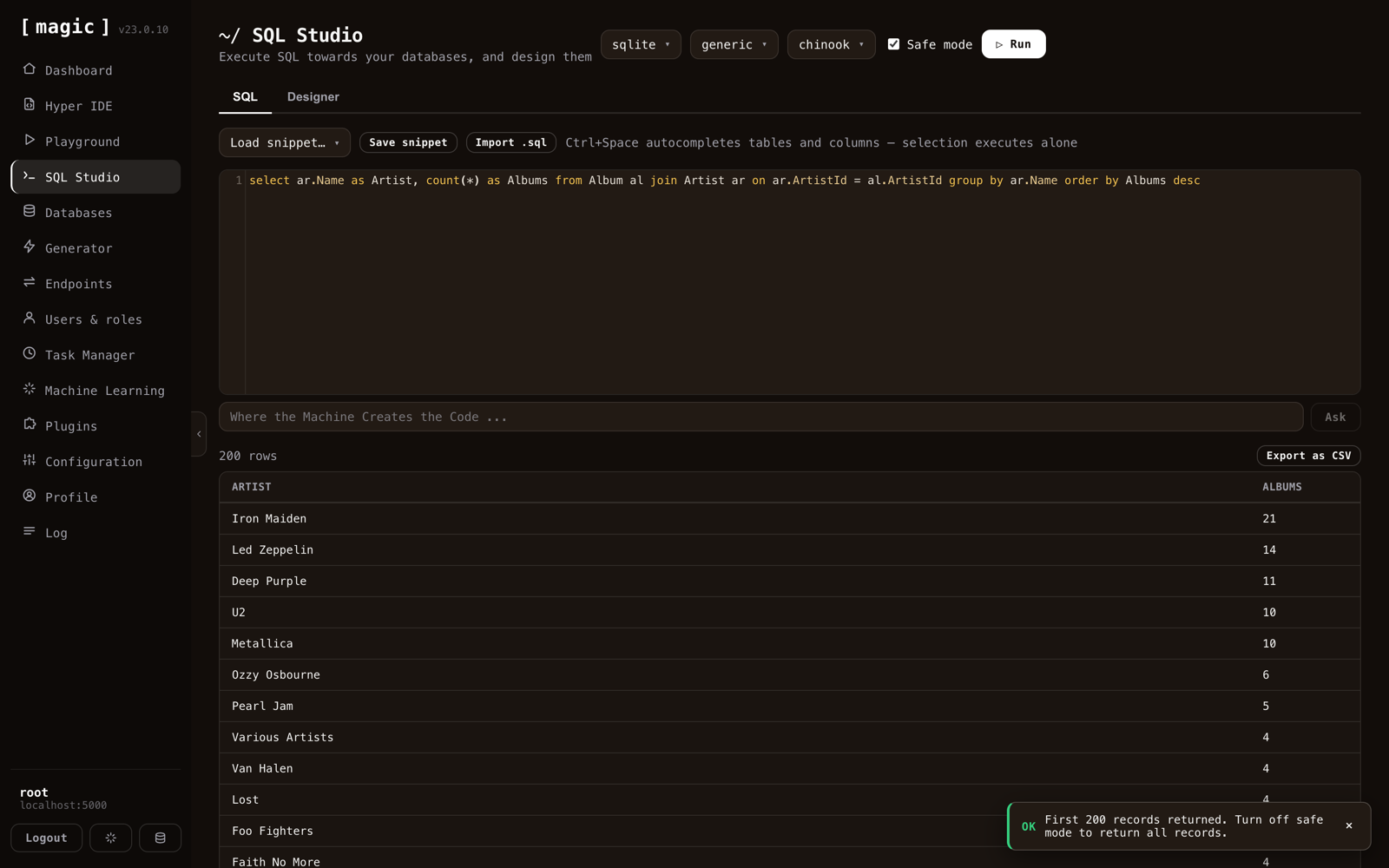
SQL Studio is where a modernization starts — connect the SQL Server, MySQL, or PostgreSQL database under your legacy system and browse decades of accumulated schema like it was designed yesterday. Query with autocomplete, inspect relationships, and let the agent write the SQL you describe in plain language.
From here, generation takes over: the same schema SQL Studio displays is what the platform crudifies into secured endpoints — which is why there is no import step, no schema translation, and no migration. The database you see is the database that gets wrapped.
This is the step that replaces months of backend work. Pick the database SQL Studio just connected, tick the tables you want exposed, choose which roles may read, create, update, and delete — and click. The Generator emits one secured REST endpoint per table and verb: paging, filtering, and sorting included, JWT-authenticated, role-gated, documented with an OpenAPI spec.
The output is not scaffolding to finish later — it is readable Hyperlambda you can open, extend with custom business logic, and hand to an AI agent as MCP tools. Your twenty-year-old schema becomes a modern, documented, secured API in the time it takes to read this section.
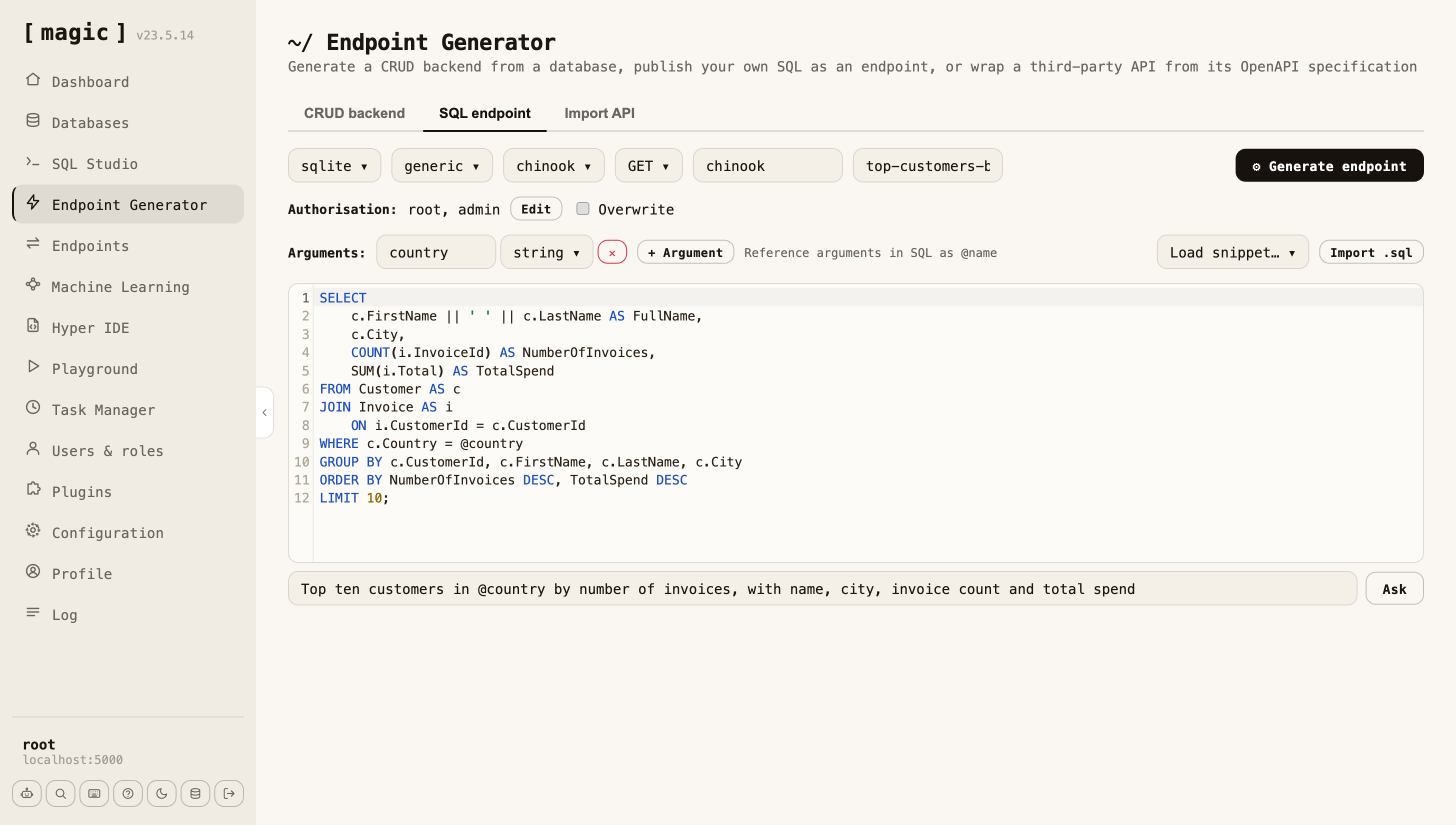
After the schema, a legacy system’s most valuable asset is its SQL: the reports, the views, the stored procedures, the query one department runs every Monday. That SQL has survived twenty-five years of edge cases, and you do not rewrite it. Paste it into the SQL endpoint tab, declare the arguments it takes, pick the roles allowed to call it, and click. It is now a secured endpoint, documented in the OpenAPI spec, and an MCP tool your agent can call. A stored procedure is called the same way; nothing is ported.
For the queries that were never written down, the prompt bar under the editor writes the SQL against your actual schema from a plain-English description. Read it, run it, then wrap it. Text-to-SQL happens once, at design time, with your DBA reviewing it in a language they already know — the full argument is on Database AI Agents.
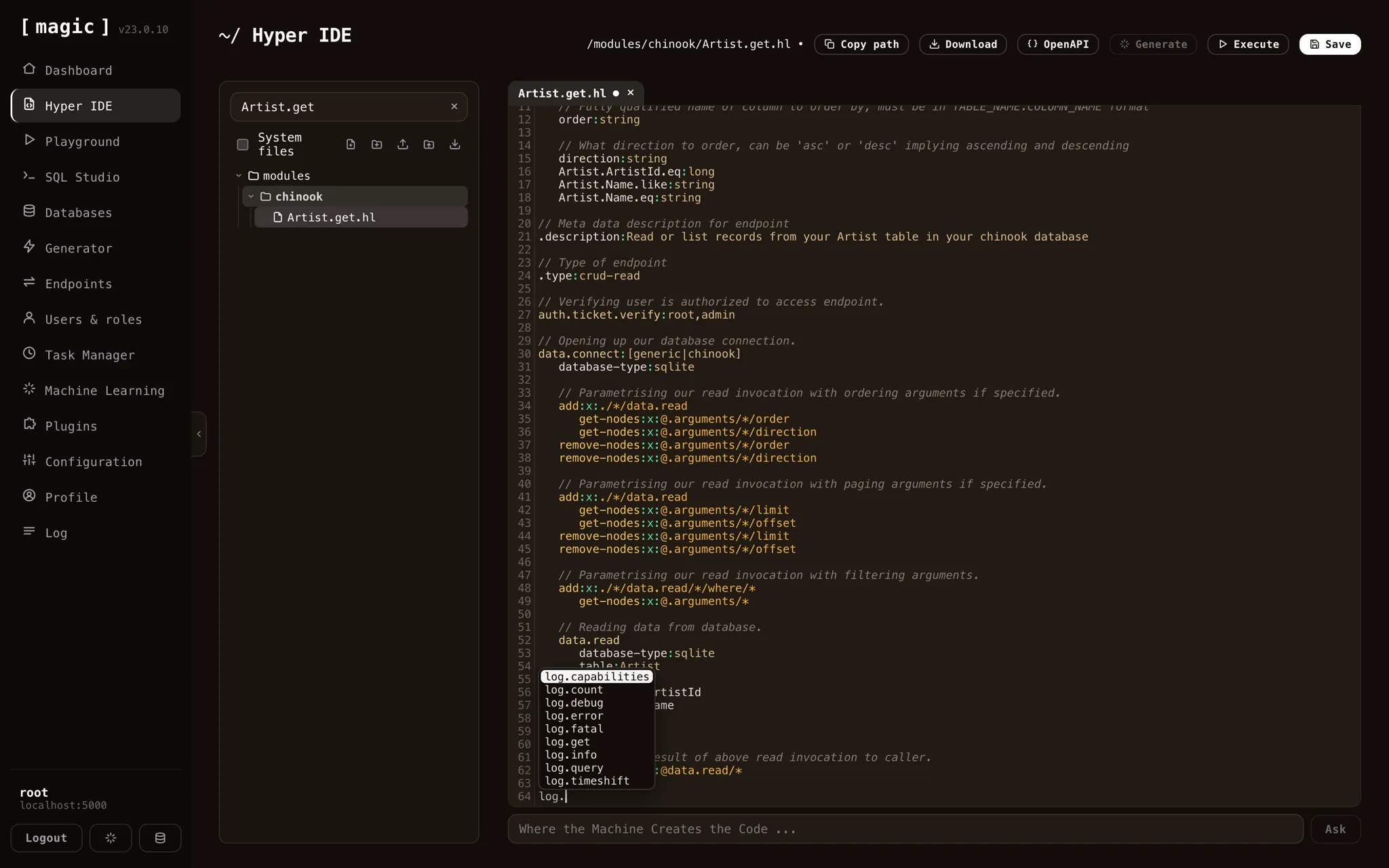
Point-and-click CRUD and wrapped SQL cover most of a legacy system — but every old system has rules that were never SQL: the discount rule nobody dares touch, the nightly reconciliation that lives in a form handler, the validation only the original author understood. Those you do not port line by line. You describe them in plain English, and the Hyperlambda Generator compiles the description into a working endpoint — saved as a readable file, secured by the same role gates, live in production without a compile step or a deploy cycle.
The reason this is safe enough for a production-adjacent schema: the Generator does not emit free-form code. It emits Hyperlambda — an AST with a closed vocabulary where every node must bind to a whitelisted capability. A hallucinated invocation does not become a bug in your modernization; it fails, structurally, before it executes.
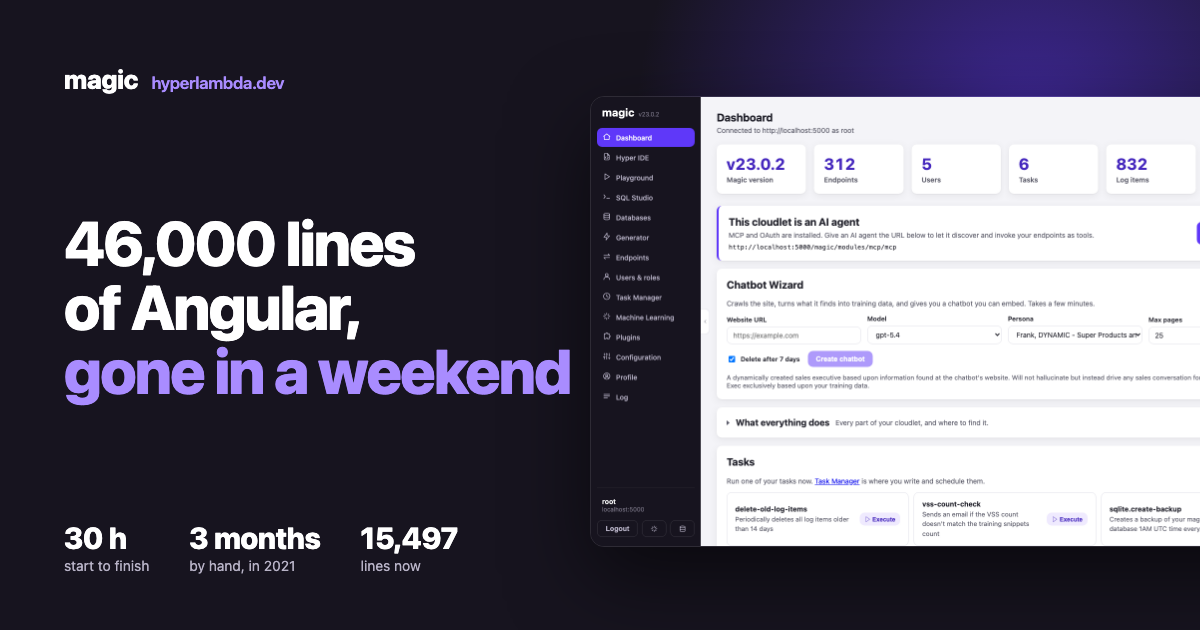
The Magic dashboard itself, rebuilt — the case study in what agent-driven replacement actually costs.
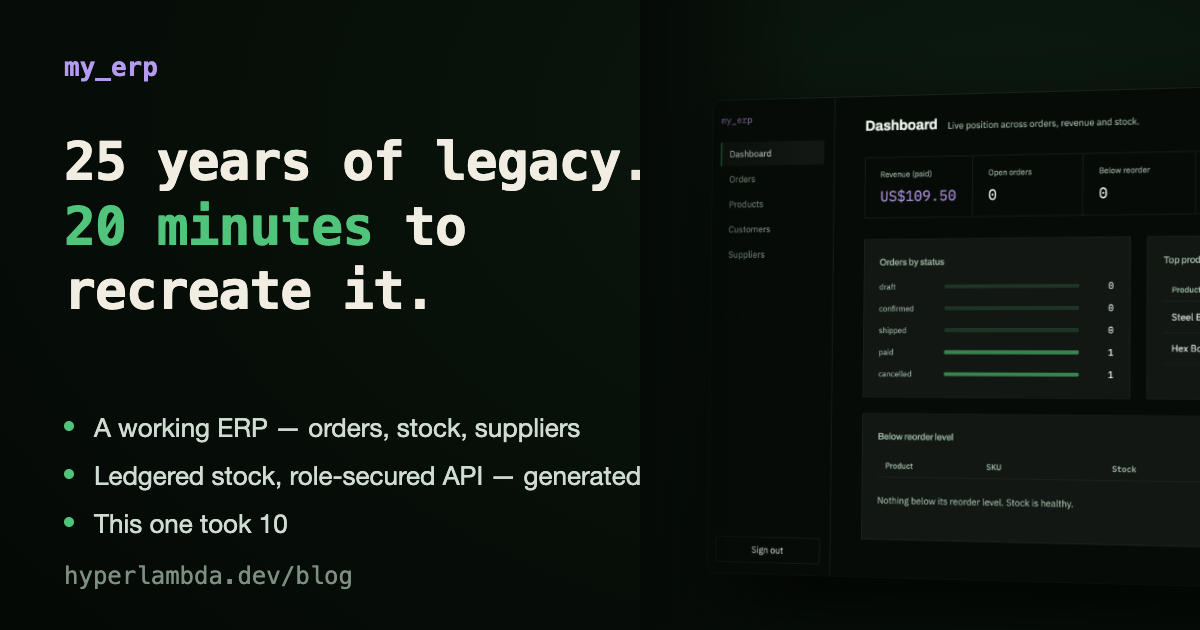
Why decades-old line-of-business systems are mostly CRUD over a schema — and what that means now.
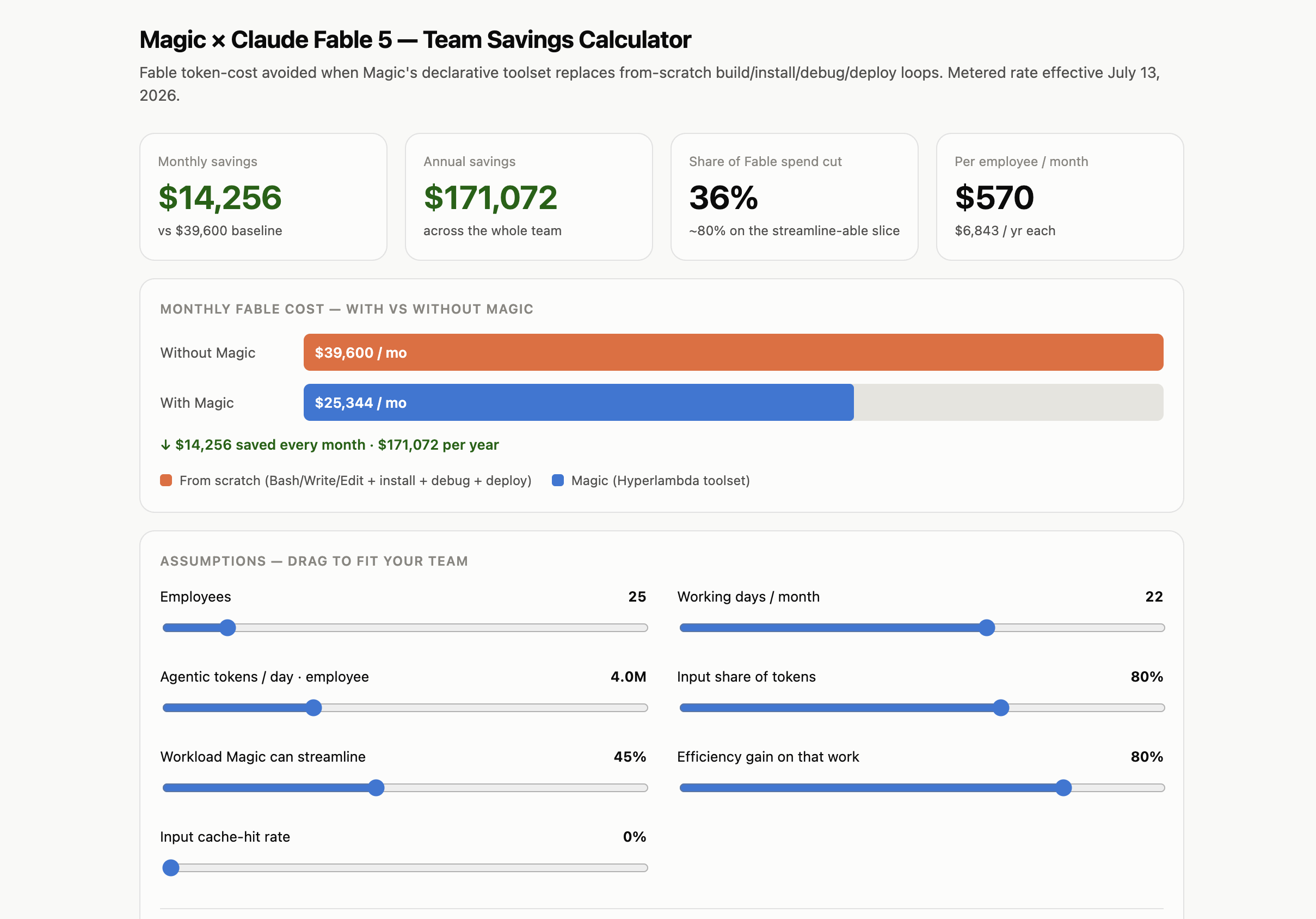
Step by step: from an old SQL Server schema to generated APIs and a working frontend.
No — that is the point of the approach. Magic connects to your existing SQL Server, MySQL, or PostgreSQL database and generates the modern layer on top of the schema in place. Nothing moves unless you later decide it should.
Generated CRUD covers the majority of a typical line-of-business system. The SQL you already run — reports, views, stored procedures — is wrapped as secured endpoints through the SQL endpoint tab without being rewritten. The rules that were never SQL are described in plain language and generated as custom endpoints, or injected directly into the generated code — which is readable, editable Hyperlambda, not a black box.
On Magic, generation runs inside runtime-enforced permission boundaries: generated code can only bind to whitelisted capabilities, and endpoints are gated by roles. The agent cannot generate its way past its permissions — a bad generation fails before it executes.
Yes, and it should. New frontends and APIs run beside the legacy application against the same database, so retirement happens by attrition — screen by screen — rather than a big-bang cutover.
The whole platform — database, generated APIs, auth, frontend hosting, and the MCP server — on your own hardware, MIT-licensed.
# When it’s up: log in at http://localhost:5555 with root/root.
$ curl -fsSL https://hyperlambda.dev/docker-compose.yaml | docker compose -f - up