 Hyperlambda
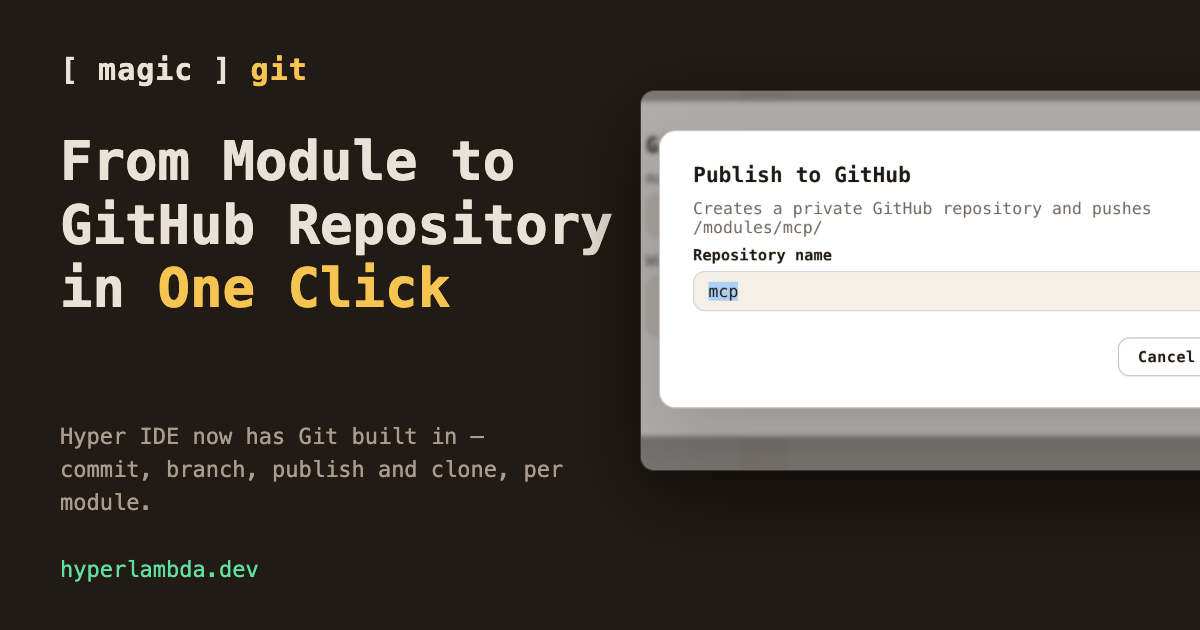
Yesterday one of my modules became a GitHub repository. The whole ceremony: hover the folder, click the branch icon, write a commit message, click Publish.
Behind that one click, Magic created a private repository on GitHub, added it as the module's origin remote, pushed the commit, and configured upstream tracking. Four git operations, zero terminal.
You know the manual version of this dance. Create the repository in GitHub's UI or with gh repo create, copy the URL, git remote add origin, git push -u origin master, and somewhere in the middle a context switch that costs more than all the commands combined. That dance is now a button — because Hyper IDE has Git built in, and this article is the tour.
Where Git lives
Every top level folder inside /modules/ and /etc/ is treated as a repository root. Hover one in Hyper IDE's file tree, and a branch icon appears among its actions — that is the whole discovery story. One repo per module, deliberately: the module is already the unit of install, the unit of deployment, and the unit of meaning in Magic. Now it is the unit of versioning too. Hyper IDE is one component of the dashboard, which is where the rest of the module lifecycle — generating, testing, scheduling and deploying — already lives.
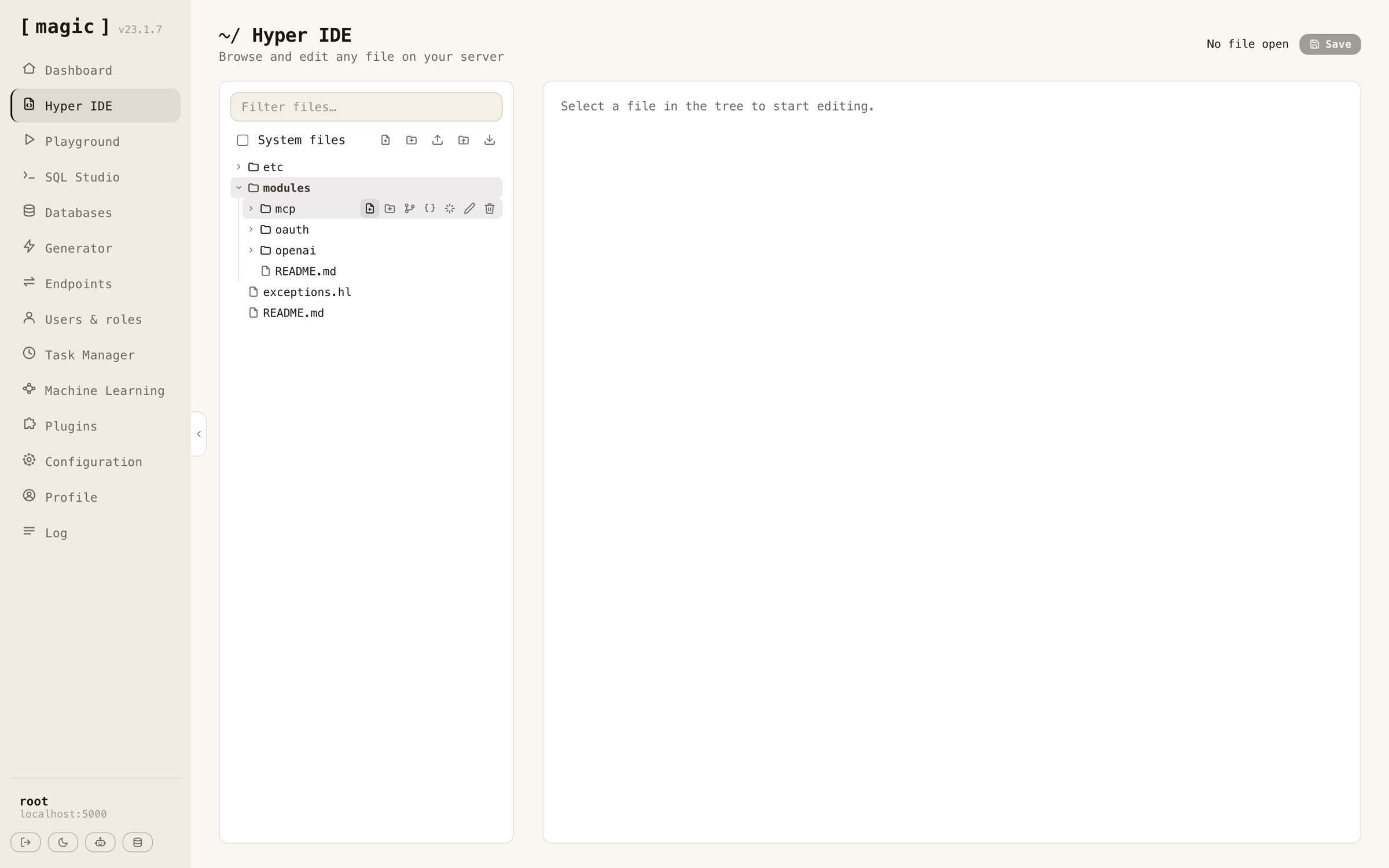
The panel
Click the icon and you get the state of that repository: which branch you are on, whether you are ahead of or behind your remote, and every modified and untracked file. Commit everything with a message, push, pull, fetch, switch branches, create new ones.
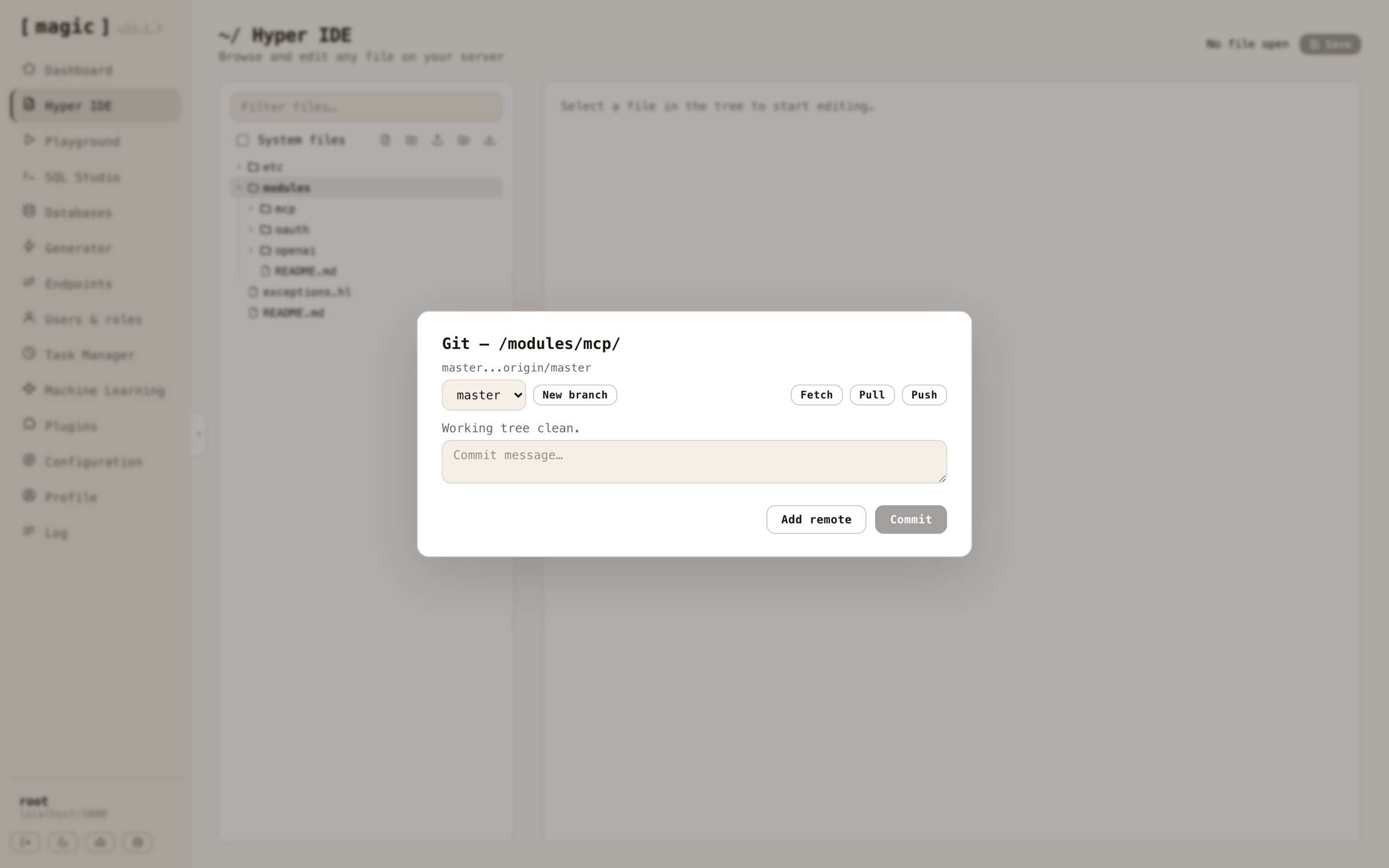
The detail I care most about is what you cannot click. Push is greyed out until you actually have commits your remote does not. Clone demands an empty folder, because git demands an empty folder. A freshly initialized repository disables everything that requires a commit to exist. The panel teaches you git's rules by construction, instead of relaying git's error messages after the fact.
One token, no keychain
Setup is a single dialog: open Configuration, click the hamburger menu, choose Git…, and give it your GitHub username and a fine-grained personal access token with Contents read and write access.
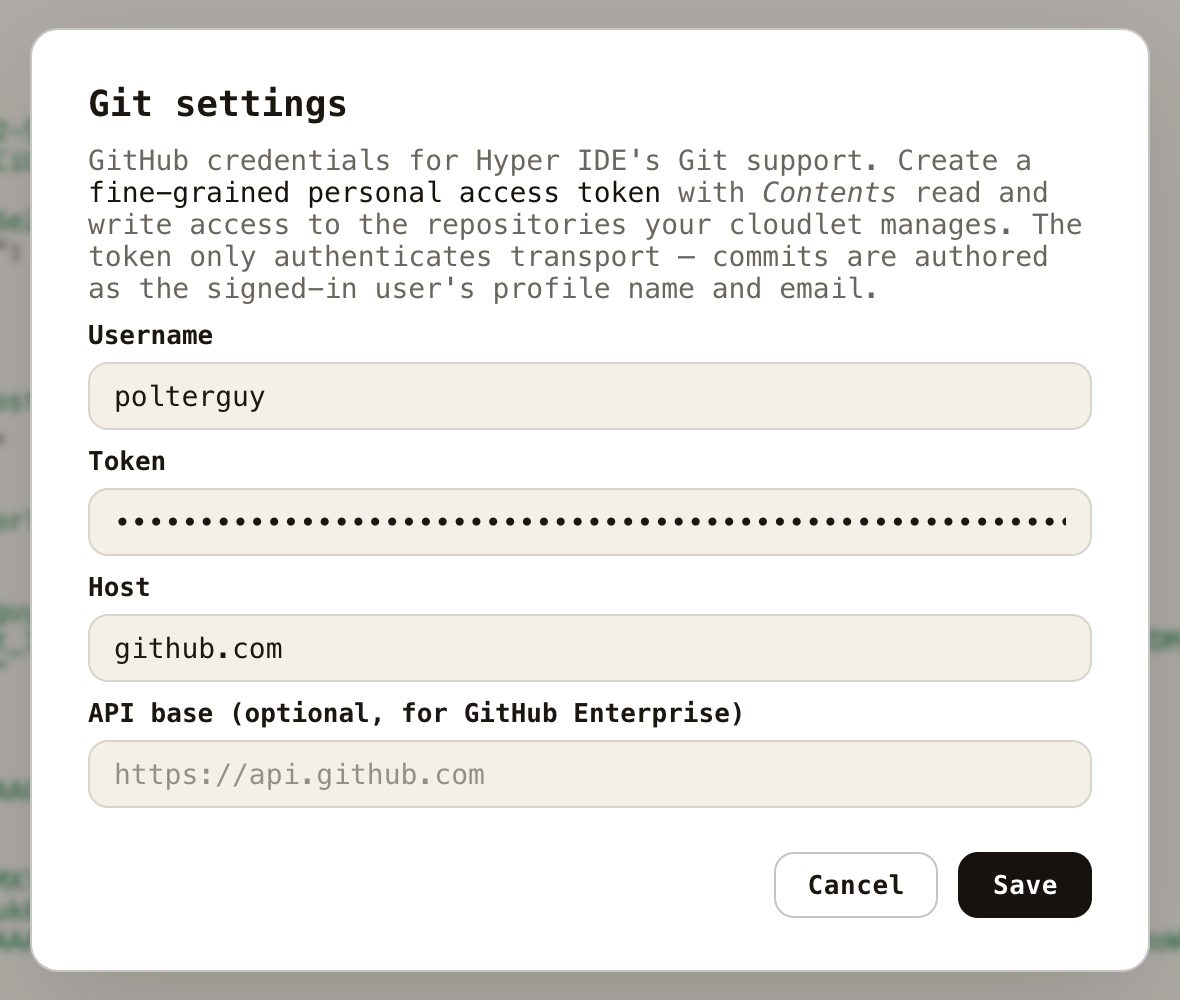
The architecture behind that dialog matters more than the dialog. Credentials are injected per git invocation, over HTTPS, as a header — nothing is ever written to the server's global git configuration, no credential helper, no SSH keys sitting on disk. And commits are authored as you: the author name and email are resolved from the signed-in user's profile, so your history on GitHub shows your name, not some shared server identity. The token authenticates transport; people author commits.
The one click
Back to the headline. Take any module — say one you have been building all week — and open its Git panel. Not a repository yet? Click Initialize repository. Write a commit message, click Commit. Then click Publish to GitHub…, and give the repository a name — it defaults to the module's folder name, which is almost always the right answer.
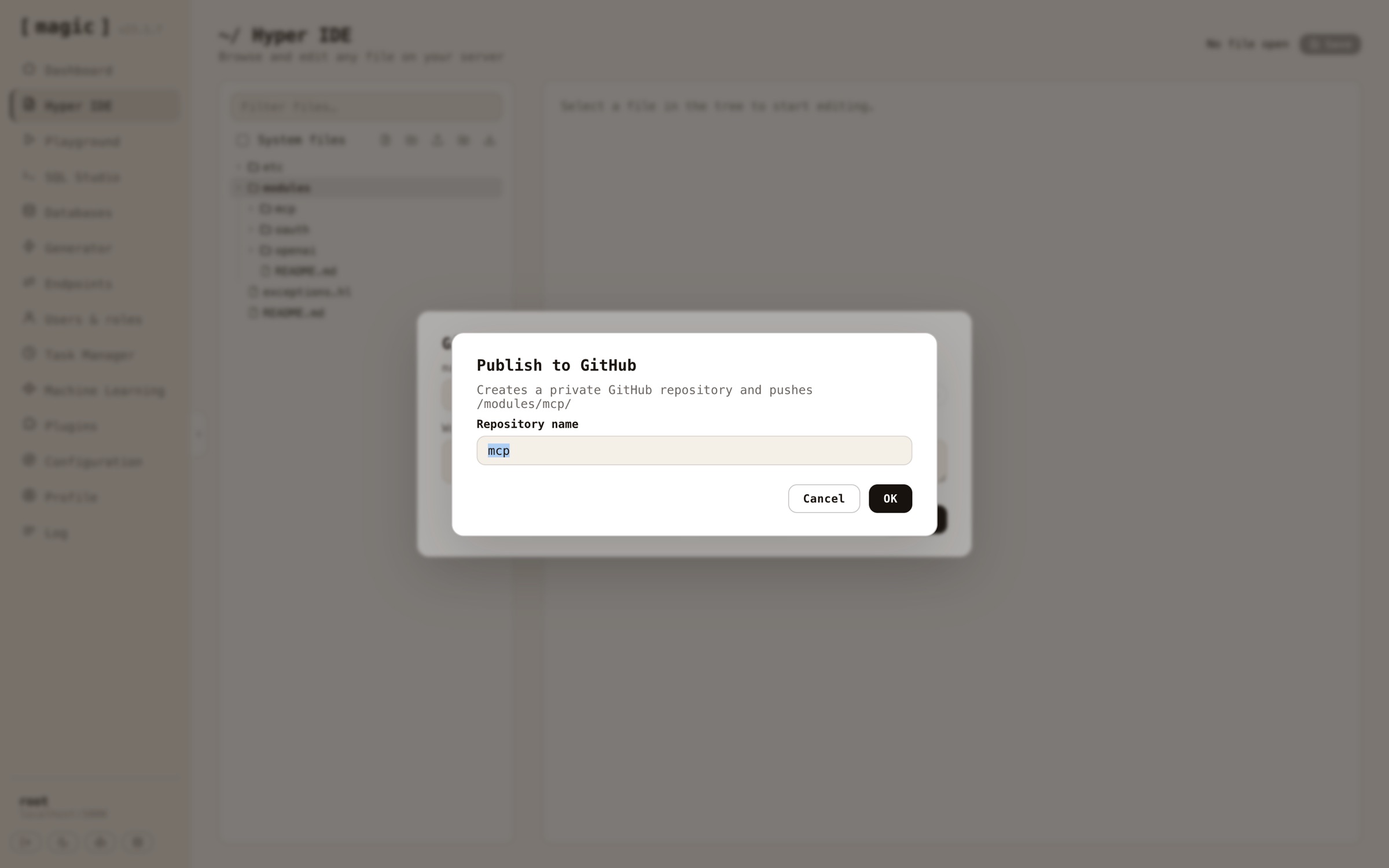
That click creates the repository on GitHub — private by default, flip it to public over there if that is what you want — wires it up as origin, pushes your commit, and sets upstream tracking. Your module has a home, a history, and a URL.
Notice, creating repositories needs one more permission than reading and writing them: the account level repository creation permission on your access token, in addition to Contents. If your token lacks it, the panel will tell you so in plain text, because errors here are never swallowed.
The door swings both ways
Publishing is half the story. The other half: create a new empty folder inside /modules/, open its Git panel, and you get the mirror options — initialize, or clone.
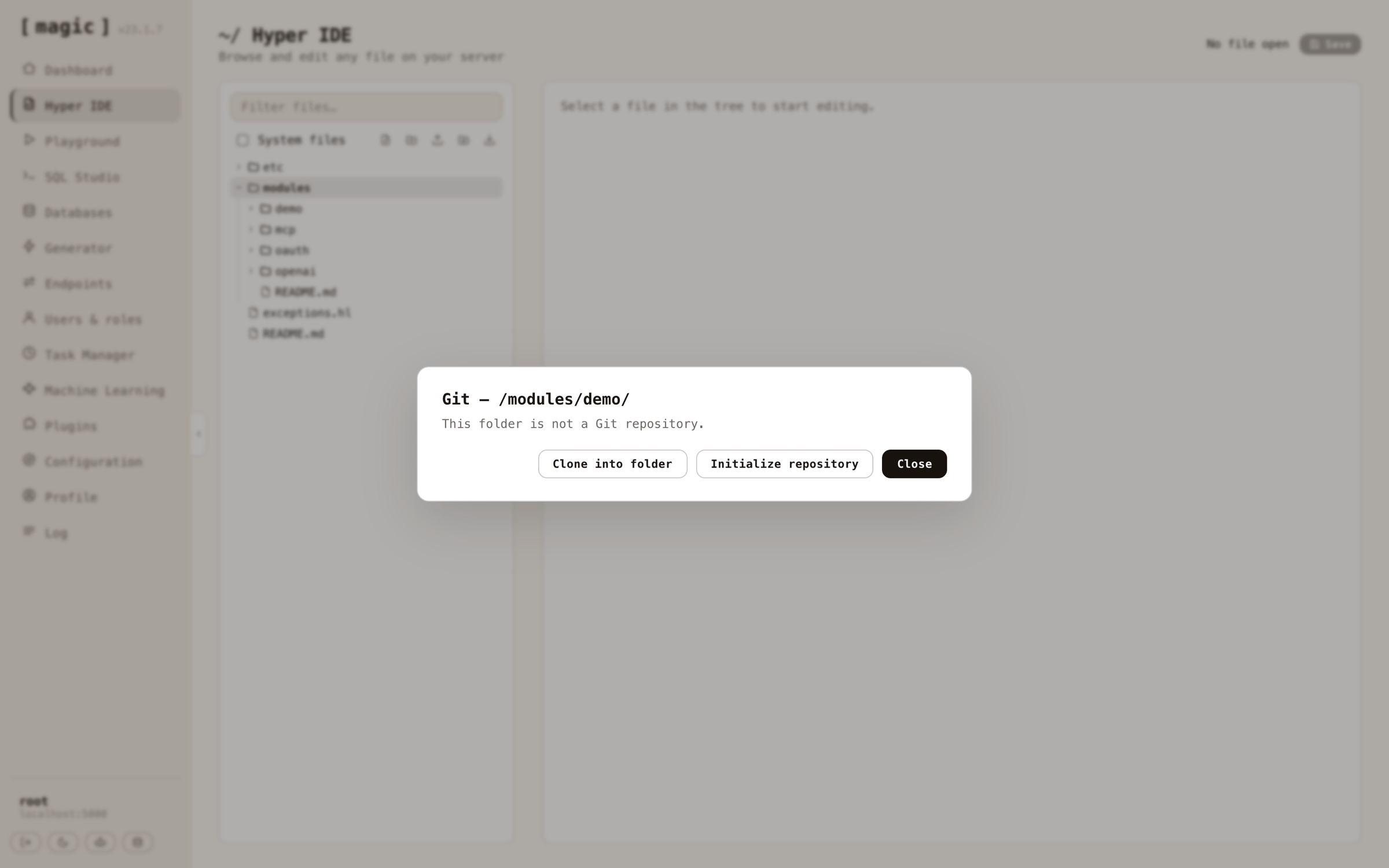
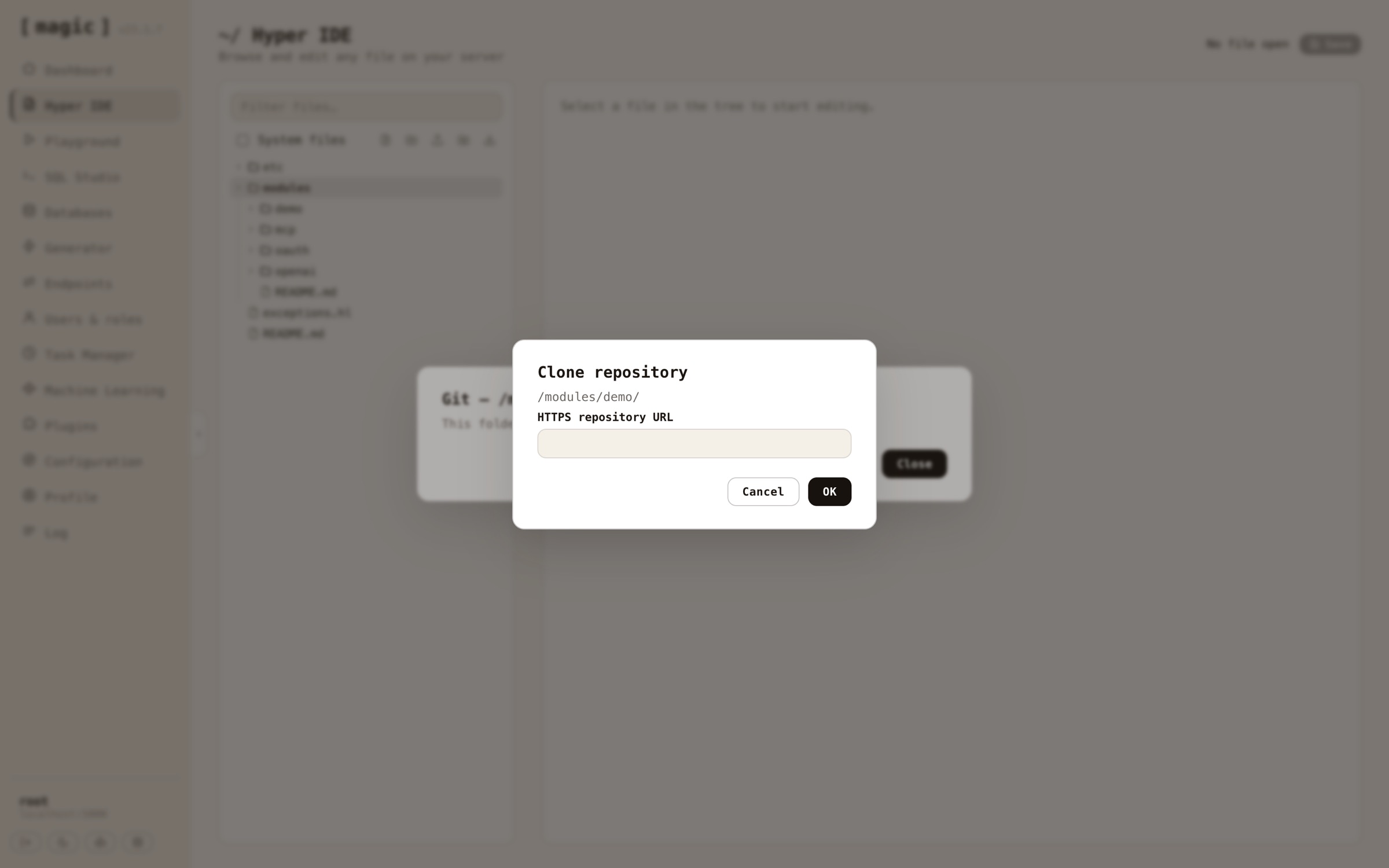
Click Clone into folder, paste the repository's HTTPS URL, and the module lands on your cloudlet with its entire history attached. It checks out whatever the remote's default branch happens to be called — the panel has no opinions in the main-versus-master wars, and after debugging that assumption out of an earlier iteration, neither do I.
Modules travel now
Here is why this is more than a convenience feature.
Magic has always let you move modules between cloudlets as zip files — download here, install there. A zip is a snapshot. Git is a history: branches, rollback, blame, and a remote that two cloudlets can both talk to. Develop a module on your dev cloudlet, publish it, clone it into production, and from then on promotion is a pull. The zip workflow did not go anywhere — but the module you care about, the one that grows for months, wants version control, and now the platform it lives on speaks it natively.
And because everything in Magic is reachable by agents, the same is true over MCP — the git workflow tools have been callable by AI agents for a while. What is new is that humans got the good UI too.
The fine print
Big claims, precise edges — as always.
This is not a full git client, and it does not want to be. Commit stages everything the change list shows — there is no per-file staging in v1. There is no diff viewer and no merge-conflict UI; if a pull lands you in conflict territory, clone the repository locally and resolve it with real tooling, then push. The panel covers the module lifecycle — initialize, commit, branch, publish, clone, pull, push — not interactive rebases.
One deliberate sharp edge worth knowing: paths must be repository roots. Git's normal upward discovery is disabled on the server, so a folder that is not itself a repo throws instead of silently operating on some enclosing repository it happened to find above itself. That rule exists because during development, the panel on a repo-less folder cheerfully offered to commit the entire Magic source tree it found two levels up. Loud beats silent, every single time.
The whole feature was built in a day, driving Claude against the running dashboard — including three separate ambushes by a hardcoded main branch assumption and the discovery bug above. That story, bug ledger and all, is its own article.
The keys
Magic is MIT-licensed and open source — the repository is at github.com/polterguy/magic, with documentation at docs.ainiro.io. If you want a cloudlet of your own to publish modules from, it is one copy-paste on a $12 DigitalOcean droplet.